
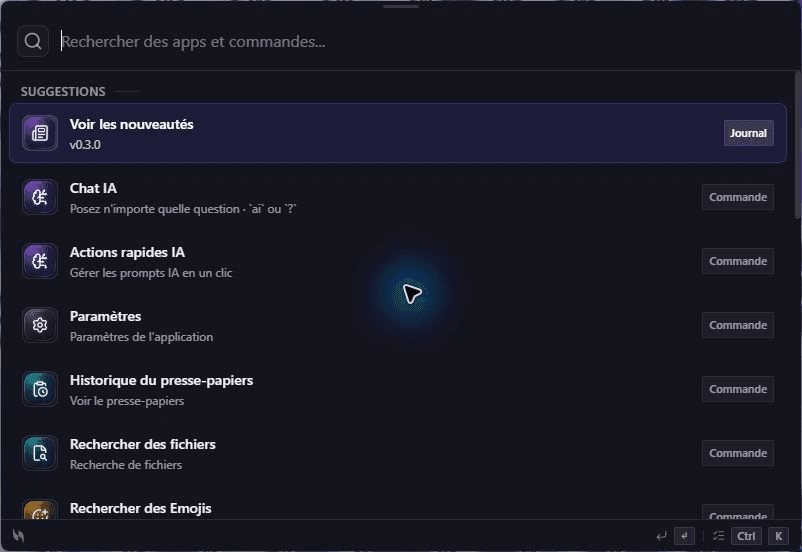
Launch Applications
Make every app accessible. From launching to switching, control your workspace with effortless speed.
Your desktop, at the speed of thought.
Open, search, launch, paste, control and automate your desktop without breaking focus.




Open, find, paste and automate from the same keyboard-first layer.
Open.
Apps and tools.
Find.
Files and answers.
Paste.
Clipboard and snippets.
Automate.
Repeat less.
The actions you repeat every day, brought together behind one shortcut.
Less context switching. Fewer clicks. More flow.
Make every app accessible. From launching to switching, control your workspace with effortless speed.
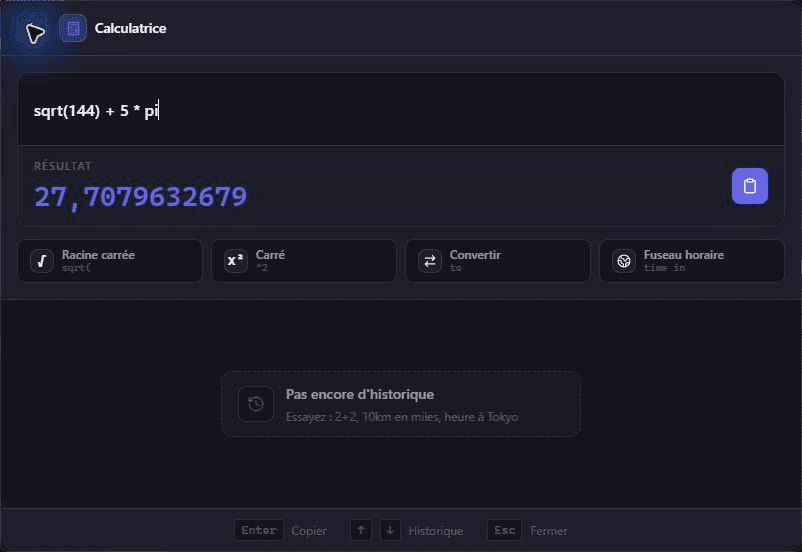
Turn numbers into answers. Calculations, unit conversions, and mathematical expressions at your fingertips.
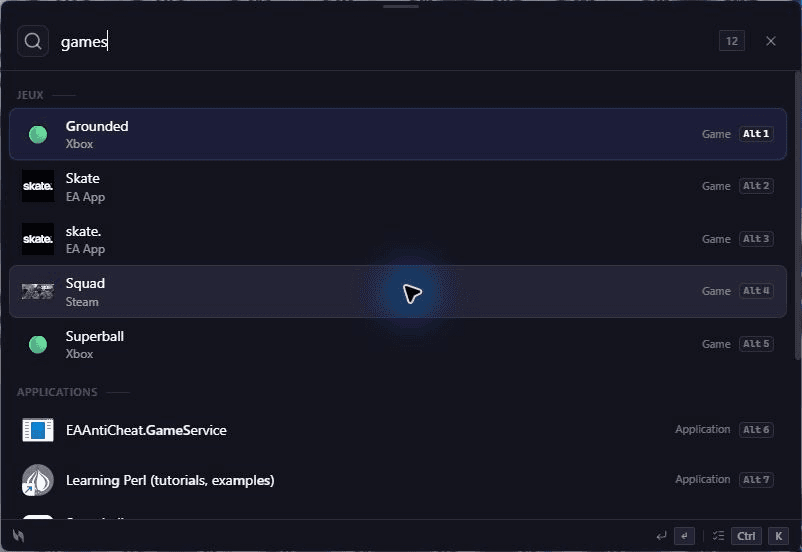
Launch supported games and libraries from the same keyboard-first interface.
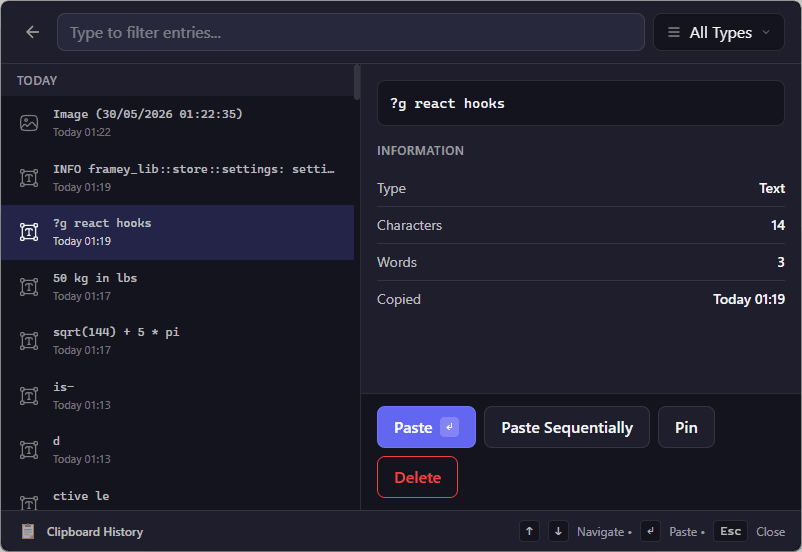
Browse and paste from your clipboard history without opening another utility.
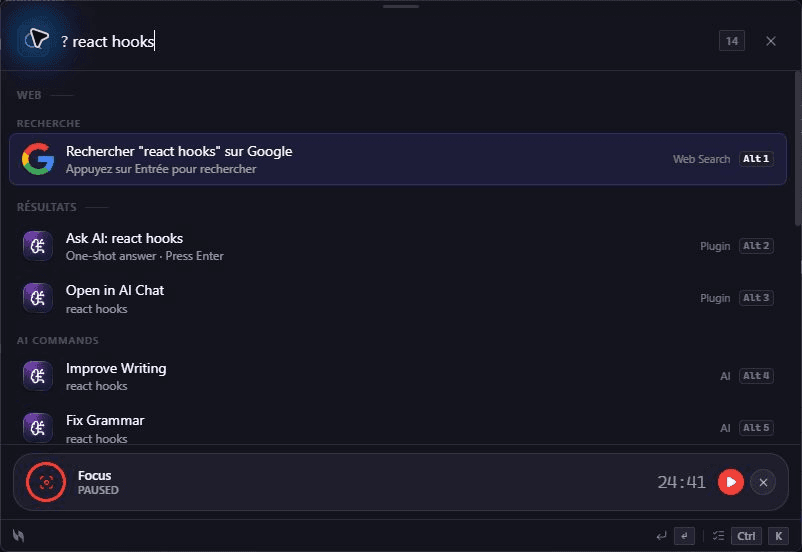
Search Google, Docs, GitHub and any custom engine without leaving the keyboard.
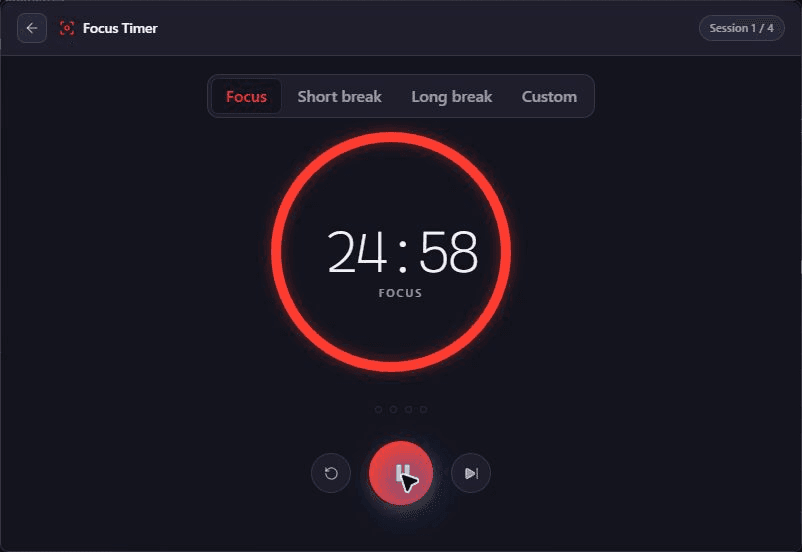
Transform work into focus. Built-in Pomodoro timer and productivity tools to help you stay on track.
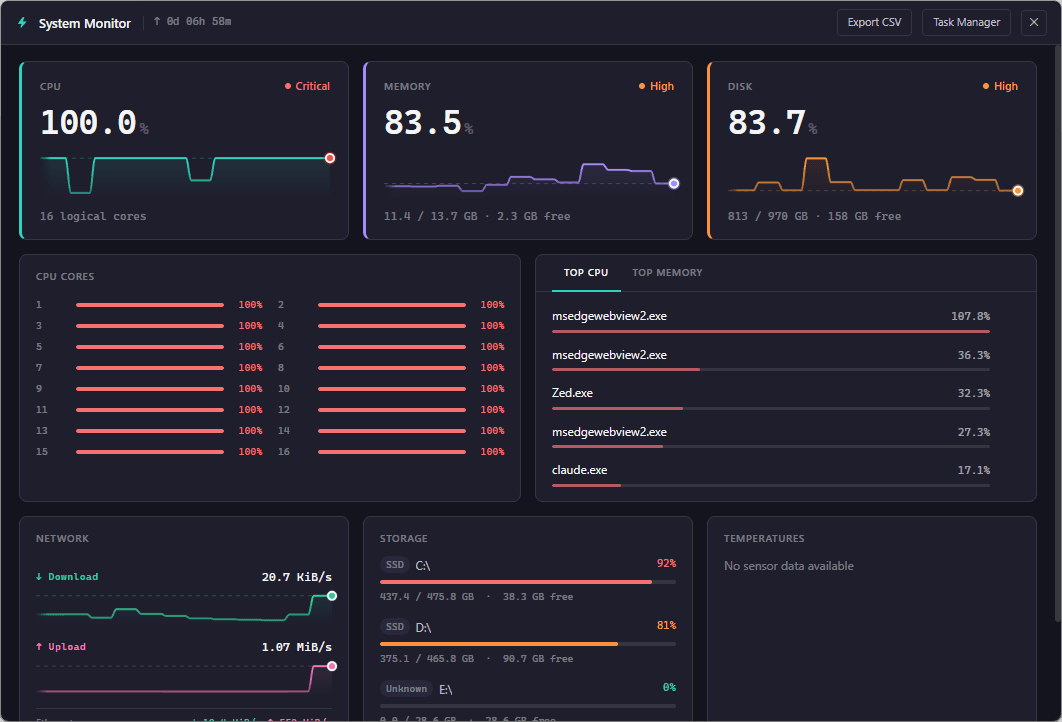
CPU, memory, and process stats at a glance. Keep an eye on your machine without leaving your workflow.
Common actions are built in, so you can launch, calculate, search, paste and control without opening another utility first.
Math calculations, unit conversions, date arithmetic, and timezone conversions
Search Google, Bing, or DuckDuckGo directly from Volt
Quick access to reload, settings, and quit commands

Pomodoro timer and custom countdowns with notifications

Monitor CPU, memory, and disk usage in real-time

Launch games from Steam, Epic, GOG, Ubisoft, EA, Xbox, and Riot
Access and search your clipboard history with pinning support

Search and insert emojis, symbols, and special characters
Compare the fit, not unsupported benchmark claims.
| Capability |  Volt Volt | Raycast | Alfred |
|---|---|---|---|
| Desktop availability | Windows · macOS · LinuxYes | macOS · WindowsPartial | macOS onlyNo |
| Pricing | FreeYes | Free + paid plansPartial | Free core + PowerpackPartial |
| Extensible | YesYes | YesYes | YesYes |
| Open Source | YesYes | NoNo | NoNo |
| Runtime | Rust + TauriYes | ProprietaryPartial | ProprietaryPartial |
VoltLast verified June 13, 2026 using official product pages. Raycast · Alfred
What Volt does, who it is for, and how it treats your desktop.
Press Ctrl+Space to launch Volt
Open apps, find files and pick up where you left off — all from one shortcut.

